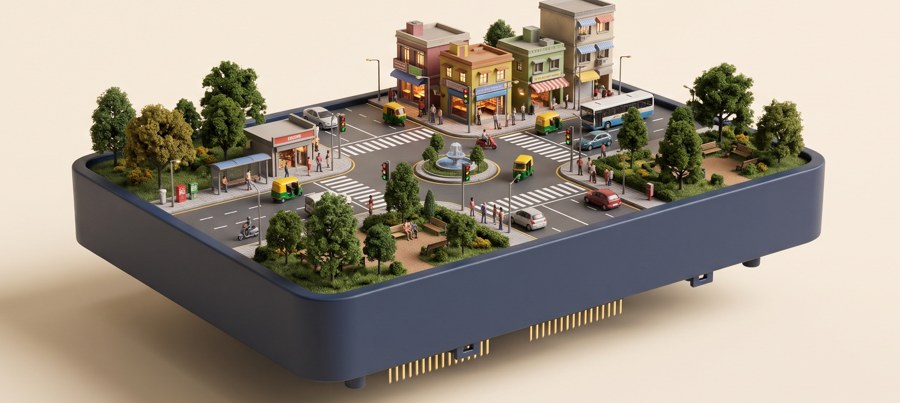
Traffic
Speed, timing and road safety
Students learn best when they can touch it, try it and ask “what if?” With CurioLabs, they direct bustling city traffic, keep a busy factory flowing, power a town with wind and sun, grow crops on a smart farm and keep a town's water clean. They write code, read live sensors and crack real-world puzzles as a team.
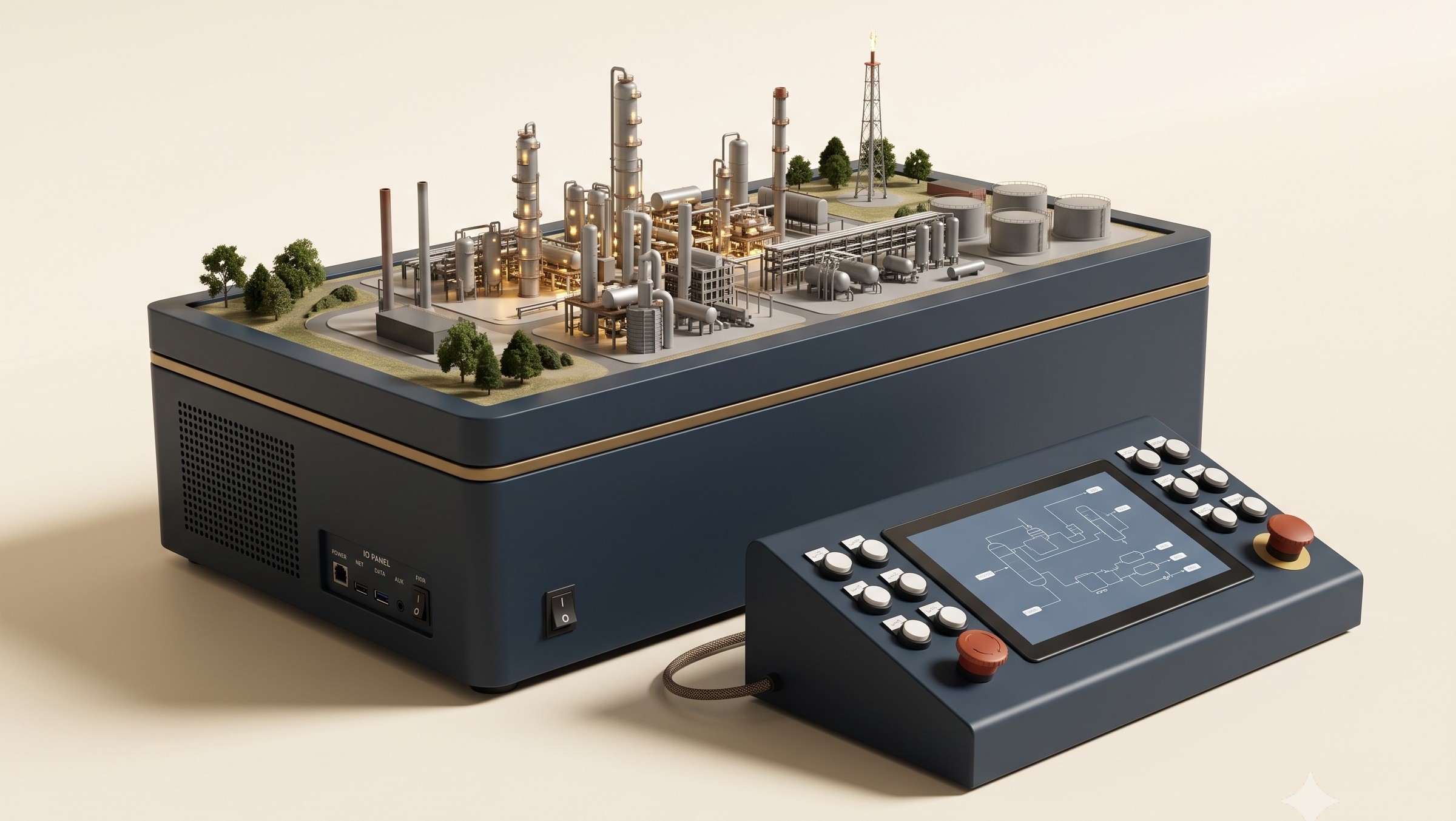
The Industry world on its base unit, with the control console.
One base, one console.
Blockly · Python · ML
Digital twin included.
Built to be safe and sturdy in a busy school lab.
When students see the whole system come alive, every lesson clicks. CurioLabs puts a complete world on the classroom table: traffic lights that switch, a factory that hums, a farm that's thirsty for water. Students watch every sensor and motor play its part, and they're coding it from day one.
CBSE brings Computational Thinking and AI into Classes 3–8.
UAE public schools teach AI as a subject from 2025-26.
new Atal Tinkering Labs planned in government schools over five years.
the "why" matters as much as the "what"
Students see how every sensor and motor plays its part, so cause and effect make sense.
Class time goes to thinking, trying and talking ideas through.
Each year builds on the last, so skills and confidence grow step by step.
Teachers walk into every lesson prepared and confident.
Every lesson follows the same three steps, so students know what comes next and can give their attention to the thinking.
The whole class writes and tests code in the browser digital twin.
Teams load their tested code onto the physical model and watch it work.
Data is logged, so students improve their design and record it.
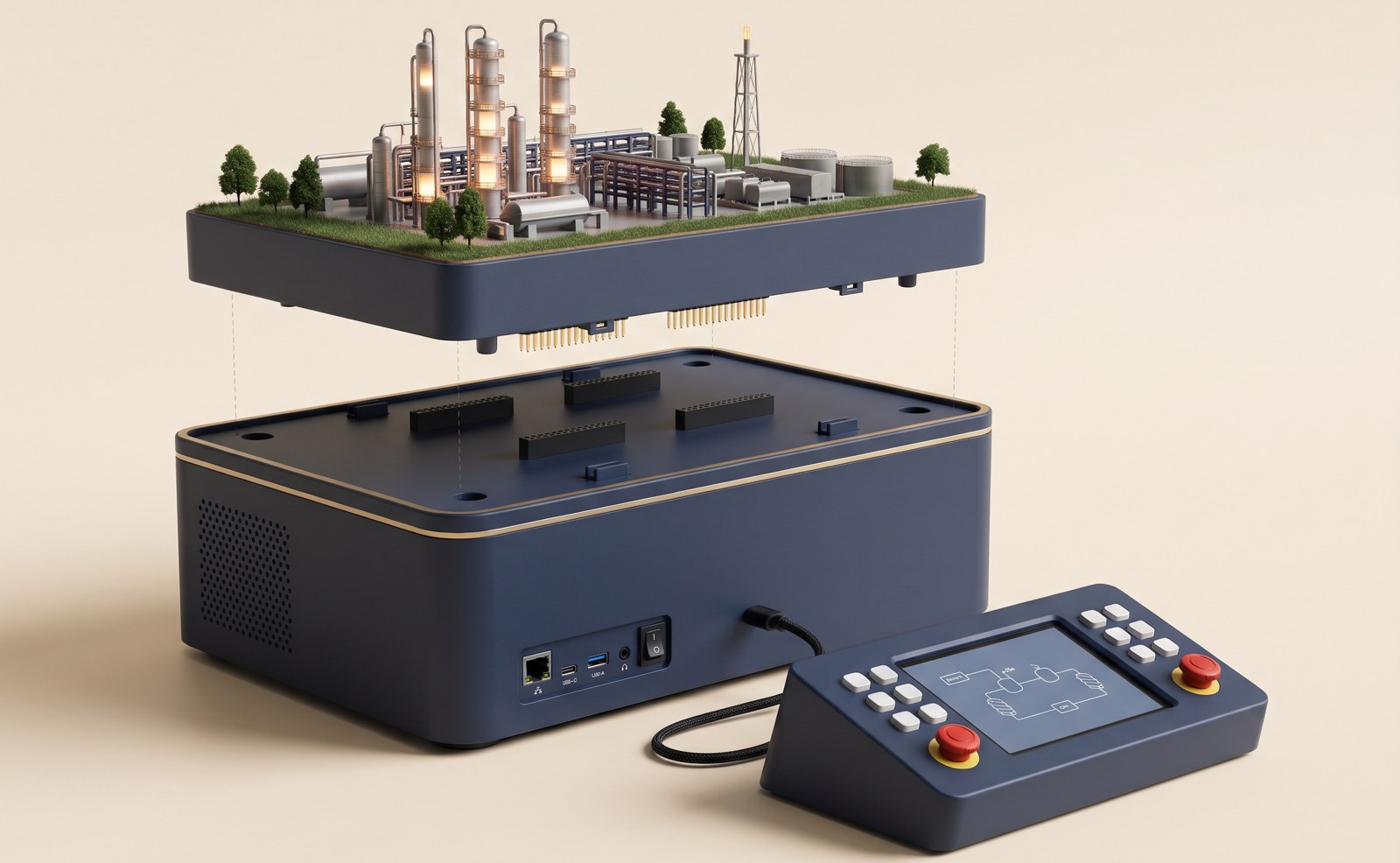
Lift one world off, snap the next one on. Every world plugs into the same base and console, and new worlds join the range all the time.
Speed, timing and road safety
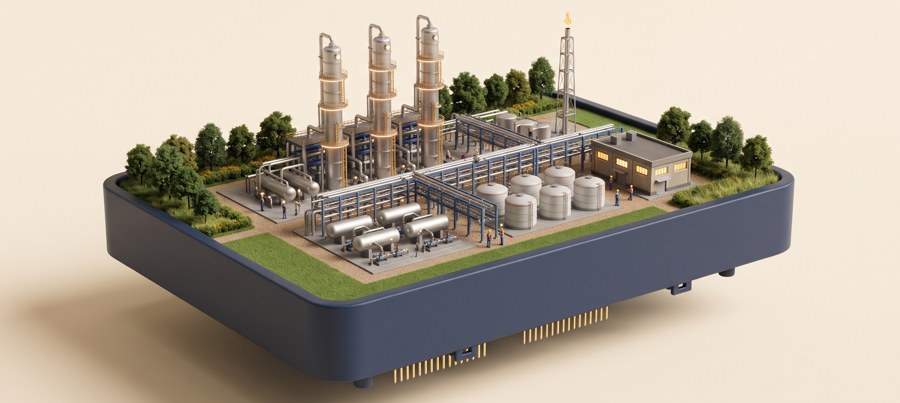
Flow, levels and pressure
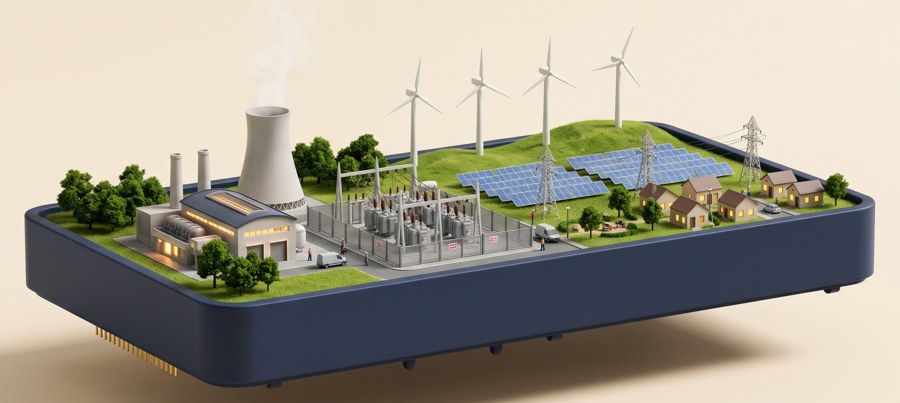
Circuits, power and demand
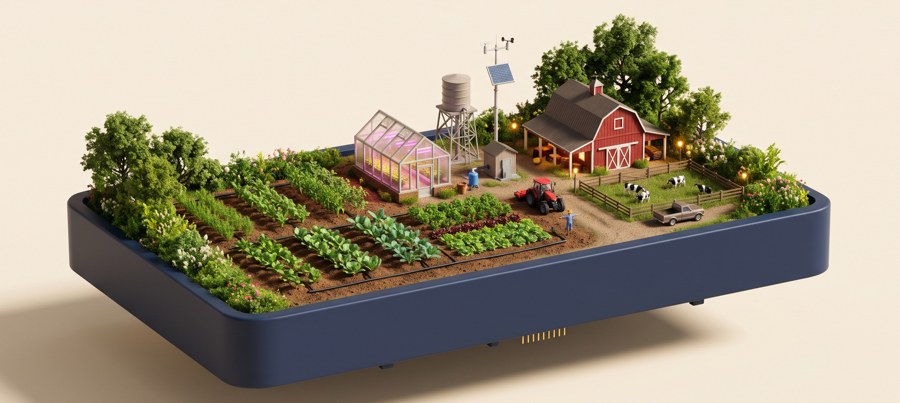
Soil, plants and water use
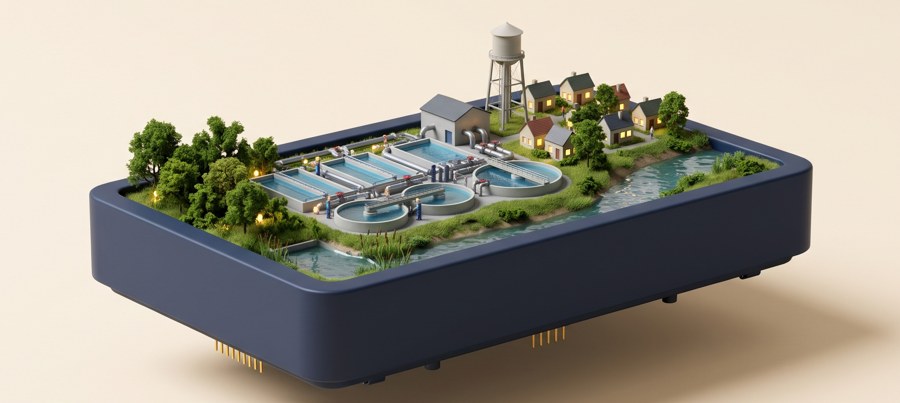
Filtering, flow and clean water
Street lighting, waste and new worlds added every year.
Every world follows the same path from Class 6 to Class 10. Each year builds on the last, so students grow with the lab, year after year.
small steps, big leaps
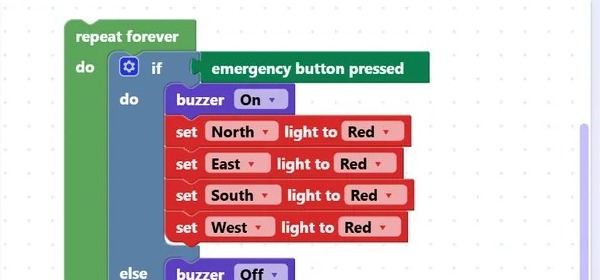
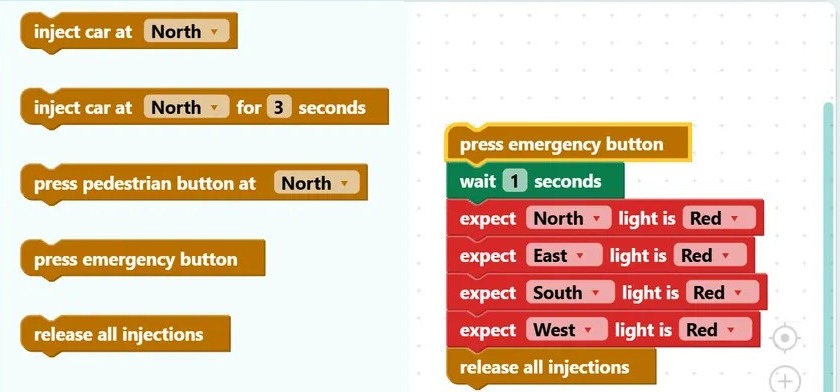
Snap blocks together to make a world run, then test it like an engineer: inject cars, press buttons and check every light reacts.
Write real Python that reads live sensors, like counting cars or measuring soil moisture, and use the data in maths and science.
Class 10 brings it all together. Students cover:
CurioLabs arrives with everything a teacher needs to lead a confident lesson on day one: plans, materials, training and a helpline for the whole year.
Lesson plans for every class, slides, worksheets, rubrics, answer code and short how-to videos.
A browser copy of every world, so the whole class codes at once and only tested code runs on the model.
On-site training for your teachers, with manuals and a helpline for the rest of the year.
Data from every run exports to CSV. Students build a project portfolio and earn a certificate every year.
A yearly inter-school challenge where teams solve a world's problem and present their results.
A termly report on sessions run and student progress, for principals, parents and sponsors.
An Arduino and Raspberry Pi-compatible IO panel, so students can add their own sensors and parts.
Low voltage, covered wiring, an emergency stop and quick-swap spare modules.
An AI and STEM lab that fits the new curricula and shows results every term.
Ready-made lessons, hands-on from the first bell, and support whenever you need it.
Real systems to run, a portfolio to show and a challenge to win.
A certificate every year, a growing project portfolio, and skills mapped to CBSE, ICSE, Cambridge and IB.
Best for: A first lab
Best for: Most schools
Best for: Large schools and groups
Portal and digital twin updates, spare modules and a teacher helpline. Built to fit Atal Tinkering Lab upkeep budgets.
Quoted for your school and package. Delivery, installation and training from 60 days of order.
no question is too small
A school desktop, a laptop or a Chromebook with the Chrome browser. Everything lives in the CurioLabs portal: Blockly, a Python editor, lessons and the digital twin. When their code is ready, students send it to the model over USB.
Yes. The portal is online and opens in Chrome, so each computer needs an internet connection during lessons.
Basic computer skills are enough. Our three-day on-site training, lesson plans, answer code and short how-to videos cover the rest, and the teacher helpline is there all year.
Any classroom works. Each world needs a table and a standard power socket. A world is about 2 × 1 ft and its console about 1.2 × 1 ft.
2–3 students work together on each model, while the whole class codes at once on the digital twin. A school year has about 30 sessions.
Yes. Every world runs on low voltage, with covered wiring, an emergency stop and quick-swap spare modules.
Pricing is quoted for your school and package. Book a demo and we will prepare a quote for you.
Every lab comes with a 1-year warranty. After that, the annual plan covers portal and digital twin updates, spare modules and the teacher helpline.
Yes. CurioLabs fits within Atal Tinkering Labs, and the annual plan is built to fit ATL upkeep budgets.
The portal, lessons and teaching materials are in English.
See a world running, try the digital twin and get a quote for your school and package.
Share CurioLabs with your child's school. We'll write the email; you just add the principal's address.
 Scan to contact us